Digital wedding invitations
A beautiful wedding invitation, made in about 10 minutes.
No design skills, no blank canvas. Choose an elegant design, add your details and photos, and share one link — your guests open it on their phone and RSVP online.
No design software Nothing for guests to install Edit anytime
Already purchased? Enter your code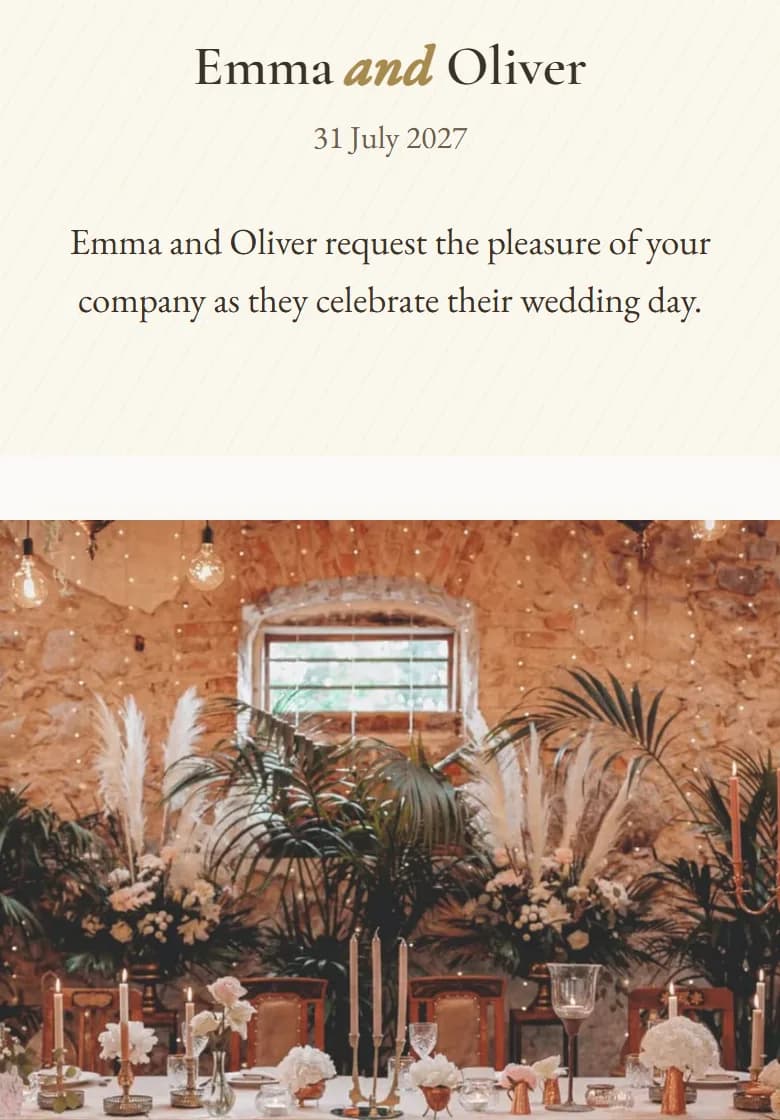
New to AmoreInvite?
Create your invitation
Choose your plan, then follow the guided setup — about 10 minutes.
Create My InvitationAlready purchased?
Enter your invitation code
Bought on Etsy? Your code came with your order.
Made for weddings
Not another design tool.
Instead of a blank canvas and dozens of things to position, AmoreInvite gives you a finished, elegant invitation to make your own. Pick the look you love, answer a few simple questions — the design is already done.
- No blank canvas
- No layout to build
- No design experience
Everything in one invitation
Beautiful, and everything your guests need
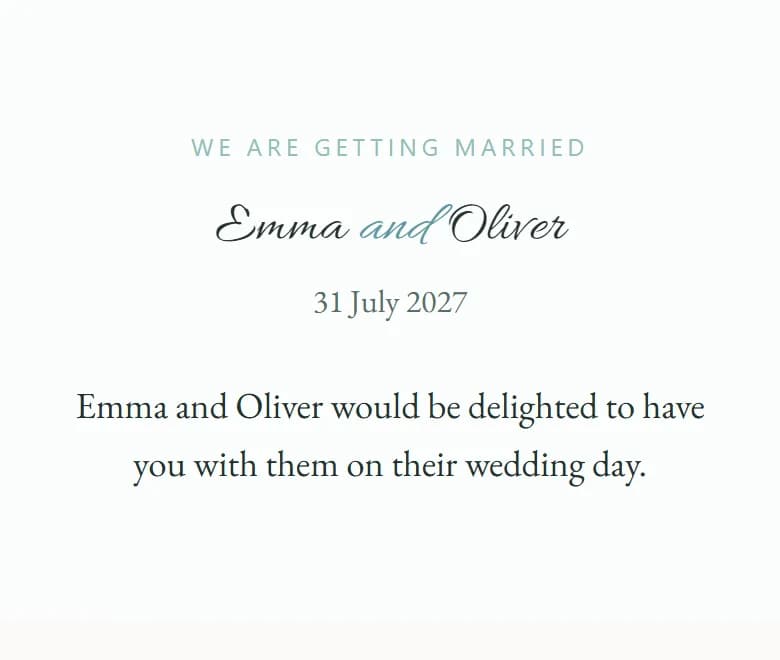
Elegant designs, ready to go
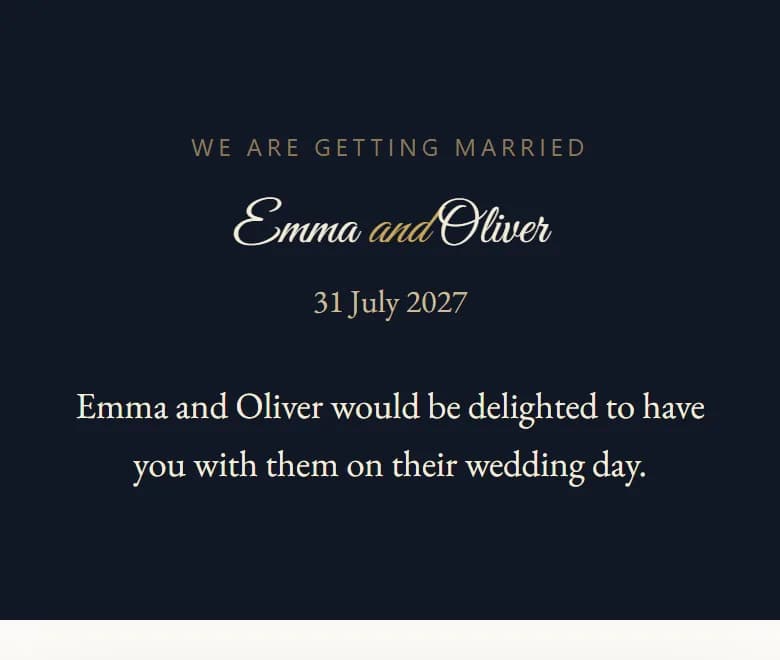
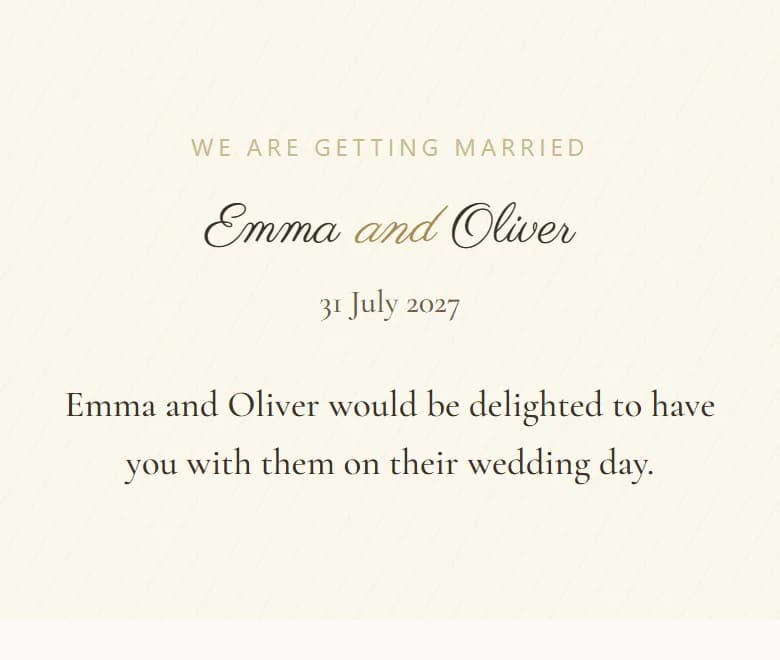
Choose from a curated collection of themes and typography styles — from timeless serif to hand-lettered script. Up to 13 themes and 15 styles, depending on your plan.
Ready in about 10 minutes
A guided setup asks for the names, date, ceremony, reception, photos and RSVP preferences — one simple step at a time, with a live preview as you go.
Your story, your photos
Add your photos and your own words. Premium and Luxury also include video, and optional AI help with the wording.
RSVP built in
Guests reply on the invitation. You get a private dashboard with who is coming, party sizes, meal and dietary needs, and notes.
One link to share
Copy the link, send it on WhatsApp or by email, or share the QR code. Guests need no app and no account.
Everything guests need
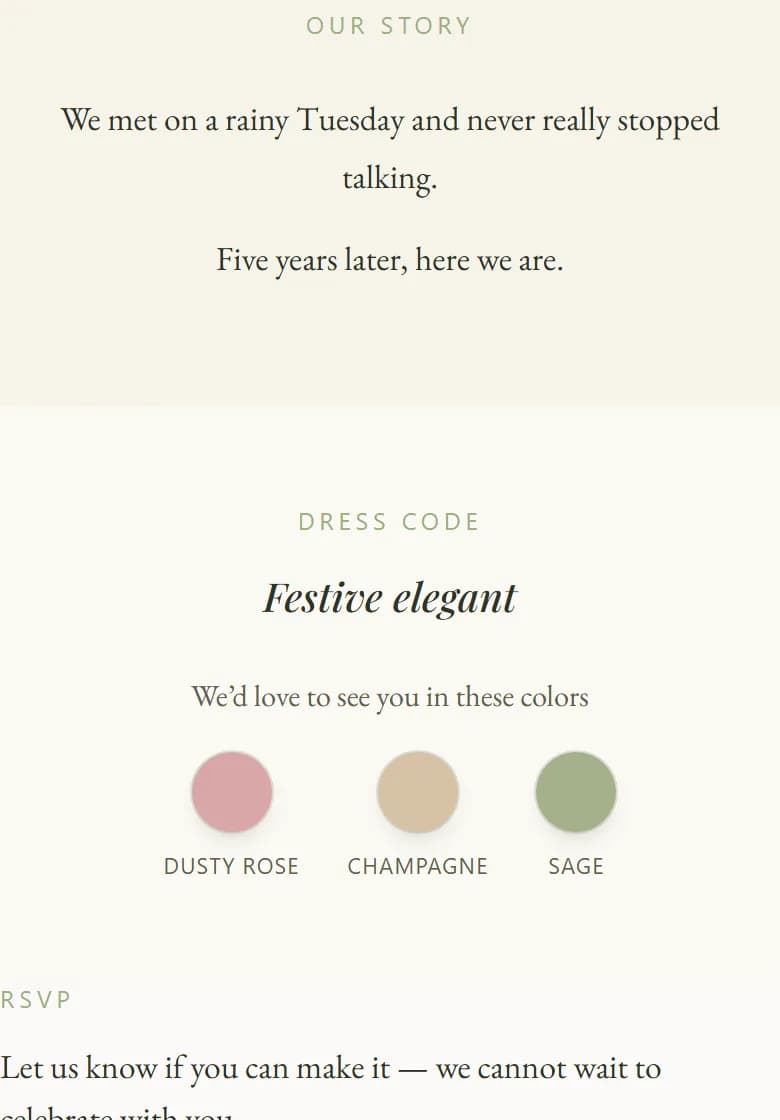
Venue with a map link, the day’s programme, a countdown, dress code — even the colours you’d love to see — and an add-to-calendar button.
How it works
From order to RSVPs, in four steps
- 01
Get your invitation
Choose a plan, or enter the code from your Etsy order.
- 02
Add your details
Follow the guided setup — about 10 minutes.
- 03
Preview and publish
See it exactly as guests will, fine-tune it, then publish.
- 04
Share and collect RSVPs
Send one link and watch the replies arrive.
For your guests
Simple for them, too
- They open one link on their phone — no app, no account.
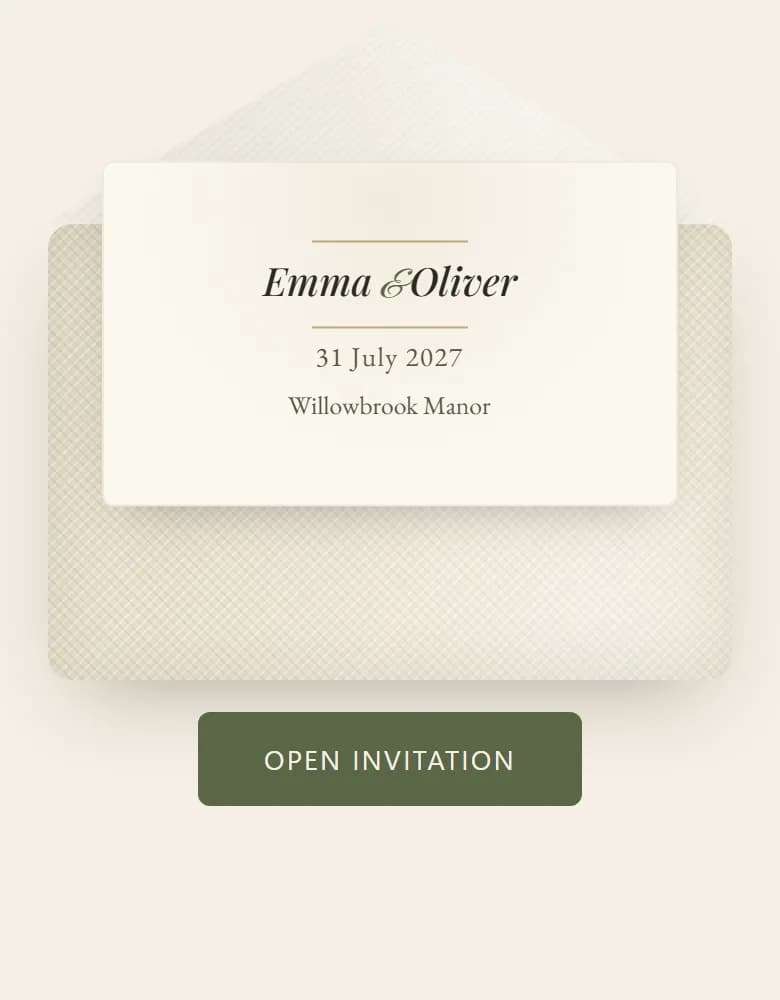
- An envelope opens to your invitation: date, venue with a map link, programme, dress code and photos.
- They reply in seconds, and can add the day to their calendar.
- Only you see their replies, in your private dashboard.
Questions
Good to know
What is a digital wedding invitation?
A personal, beautifully designed invitation that lives at its own link. Your guests open it on their phone and find your wedding details, schedule, venue and photos — and can reply to it online.
How long does it take to create?
The guided setup is designed to take about 10 minutes. It saves as you go, so you can also stop and come back to finish later.
Do I need design skills or design software?
No. There is no blank canvas and nothing to draw or position. You choose a look you love, answer a few simple questions, and your invitation is ready.
How do my guests receive the invitation?
You share one link. Copy it, send it straight to WhatsApp or by email from AmoreInvite, or use the QR code — and you can paste the link into any messenger or text message.
Can guests RSVP online?
Yes. Guests reply on the invitation itself, and you see every reply — attendance, party size, meal choices and notes — in your private guest dashboard. Only you can see the replies.
Do my guests need to install an app or create an account?
No. The invitation opens from the link in any phone or computer browser.
Can I change my invitation after I publish it?
Yes. You can edit your details at any time, and earlier versions are kept so you can go back to one if you change your mind.
I bought my invitation on Etsy. What do I do?
Enter the invitation code from your order in the box at the top of this page. You will sign in with your email — no password needed — and go straight into the guided setup.
Ready to invite your guests?
Your beautiful, personal invitation is about 10 minutes away.